

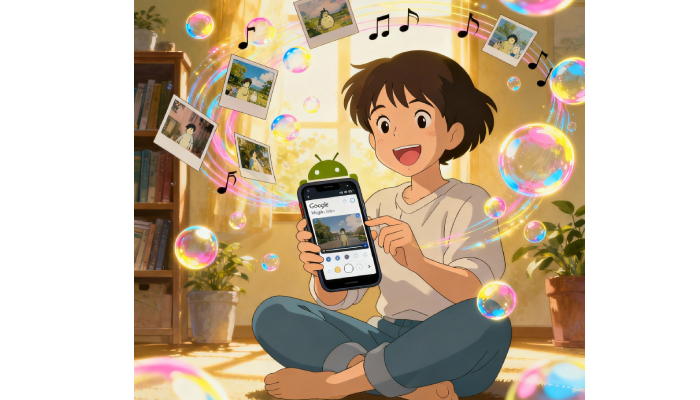
Google Photos is introducing an exciting update for Android users—trendy video editing templates that make quick, shareable video creation easier than ever. Building on its Highlight video feature, Google Photos now offers a range of customizable, pre-set video templates that automatically sync your selected photos and video clips to the beat of curated music, creating polished social-ready highlight reels in just a few taps.
These new video templates come loaded with built-in soundtracks, stylish text placements, and visual cuts that match the rhythm and mood of the song. Users can manually pick favorite moments or utilize the “Help me select” smart media selection, which uses AI to choose the best shots from your camera roll—perfect for making birthday videos, travel highlights, and trending reels without advanced editing skills.
To try these video templates in Google Photos:
- Open the Google Photos app on your Android device.
- Tap Create, then Edit, and select Highlight video.
- Browse the available trendy video templates, select one, and choose your photos and videos or use the Help me select option for automatic AI-powered media selection.
- Use the Search bar for fast content discovery by people, places, or themes such as “Beach” or “Japan.”
- After your media is added, preview the video and easily customize music, adjust text, reorder clips, or swap transitions before tapping Save to export the final version.
This update is rolling out gradually and may not yet be available for all users. Google confirms that the new video templates are designed to simplify storytelling, making video editing “easy and automated” while offering creative control through smart selection and customizable formats.
